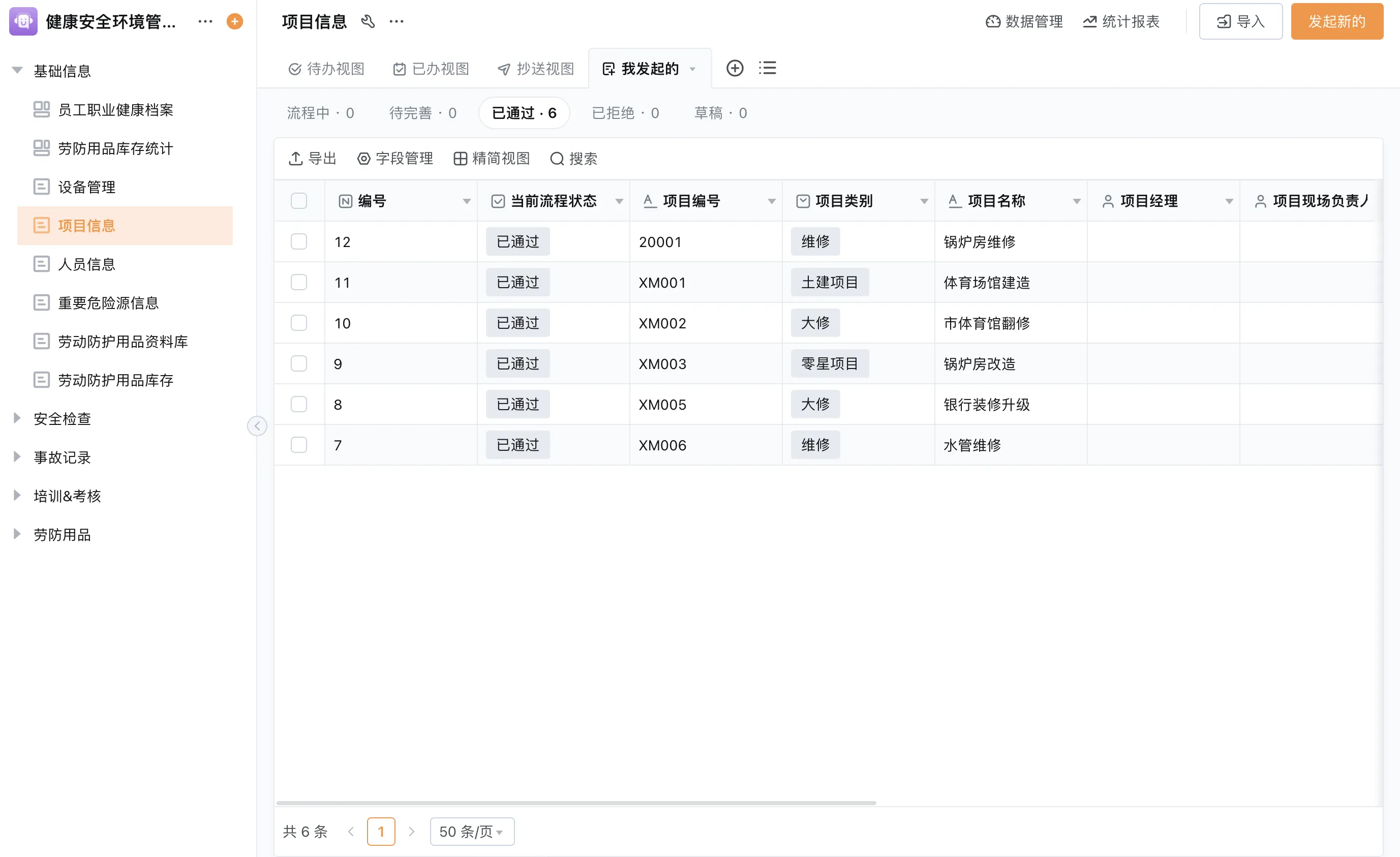
What is workflow ERP?
Workflow ERP refers to the process layer that coordinates tasks and approvals around enterprise resource planning activities. It can connect a request to review, an approved decision to execution, and a completed transaction to reporting. A workflow may live within an ERP suite or in a configurable application platform that coordinates with other systems. The term does not guarantee that every ERP workflow feature or financial control is included in every product.
The value is often less about removing all manual work and more about making ownership visible. A well-designed process tells each participant what information is needed, who acts next, how an exception is raised, and where the final record is stored. If those rules are unclear, automating the steps can make confusion travel faster.
Which processes are good candidates?
Good candidates have a clear trigger, known participants, repeatable decisions, and a record of completion. Common examples include purchase requests, supplier onboarding, inventory adjustments, order exceptions, and maintenance requests. A process with many informal judgments or frequent policy changes may still benefit from workflow support, but it needs explicit escalation and review rather than a rigid sequence.
- Requests that arrive through email or chat and need consistent required fields.
- Approvals that depend on request type, department, or another documented rule.
- Cross-functional handoffs where teams need to see the current owner and status.
- Exceptions that should be assigned, investigated, and closed with a recorded outcome.
Illustrative ERP purchase order approval workflow
The following example shows one possible procurement, inventory, and finance coordination pattern. It is illustrative: each organization must set its own approval authority, purchasing policy, and system of record. No financial limit or approval threshold is implied.
- Submit the request. A requester selects an item or service, quantity, need date, business reason, and relevant cost center or project reference.
- Check the request. A designated reviewer checks completeness and may compare the request with available stock or an existing order record.
- Route for approval. The process sends the request to the approver defined by the organization’s policy. Missing context returns to the requester with a clear correction task.
- Create the purchase order. After approval, a buyer creates or confirms the purchase order in the designated procurement or ERP system.
- Record receipt. The receiving role records the delivery, including any partial quantity or discrepancy, against the relevant order reference.
- Reconcile and close. Finance or another authorized role follows the organization’s matching and posting controls. Exceptions remain open until an owner documents the resolution.
| Workflow stage | Record to capture | Control question | Exception route |
|---|---|---|---|
| Request | Item, purpose, quantity, requester, and date | Are required fields complete and understandable? | Return to requester for clarification. |
| Review | Availability check and review outcome | Is the reviewer authorized for this decision? | Assign an alternate reviewer or flag a conflict. |
| Order | Purchase order reference and supplier details | Which system owns the official order? | Pause if supplier or item data does not match. |
| Receipt | Received quantity, date, and discrepancy note | Can the receipt be tied to the approved order? | Record partial delivery or damage for follow-up. |
| Close | Reconciliation status and closure owner | Are required checks completed in the finance process? | Keep unresolved differences assigned and visible. |
Design no-code ERP approval workflows carefully
No-code ERP approval workflows can be configured through forms, routing rules, conditional branches, role assignments, and notifications. The process owner should translate policy into understandable conditions. Avoid routing based on vague fields or rules that only one administrator understands. Document what happens when the approver is absent, the request changes, or a system connection is unavailable.
Separate routing from decision authority
Routing determines who receives a task; it does not establish that the person is authorized to make the decision. Maintain the organization’s approval matrix outside informal assumptions, and confirm that role permissions and workflow conditions match it. Changes to teams or authority should trigger a review of the process configuration. Test both standard and exception paths before making a workflow available to a wider group.
What to automate and what to keep under review
Automate predictable coordination such as task assignment, reminders, status transitions, and completeness checks where the system supports them. Keep judgment visible for decisions involving business context, conflicting records, unusual circumstances, or financial responsibility. An AI assistant may help summarize request details or retrieve related information if the implementation provides that capability, but a summary should not replace the source record or required approval.
Measure the workflow with operational questions: Are requests being returned for missing details? Which stage accumulates open work? Are exceptions assigned? These observations can help improve the process without relying on made-up productivity percentages. A count only becomes meaningful when its definition and date range are documented.
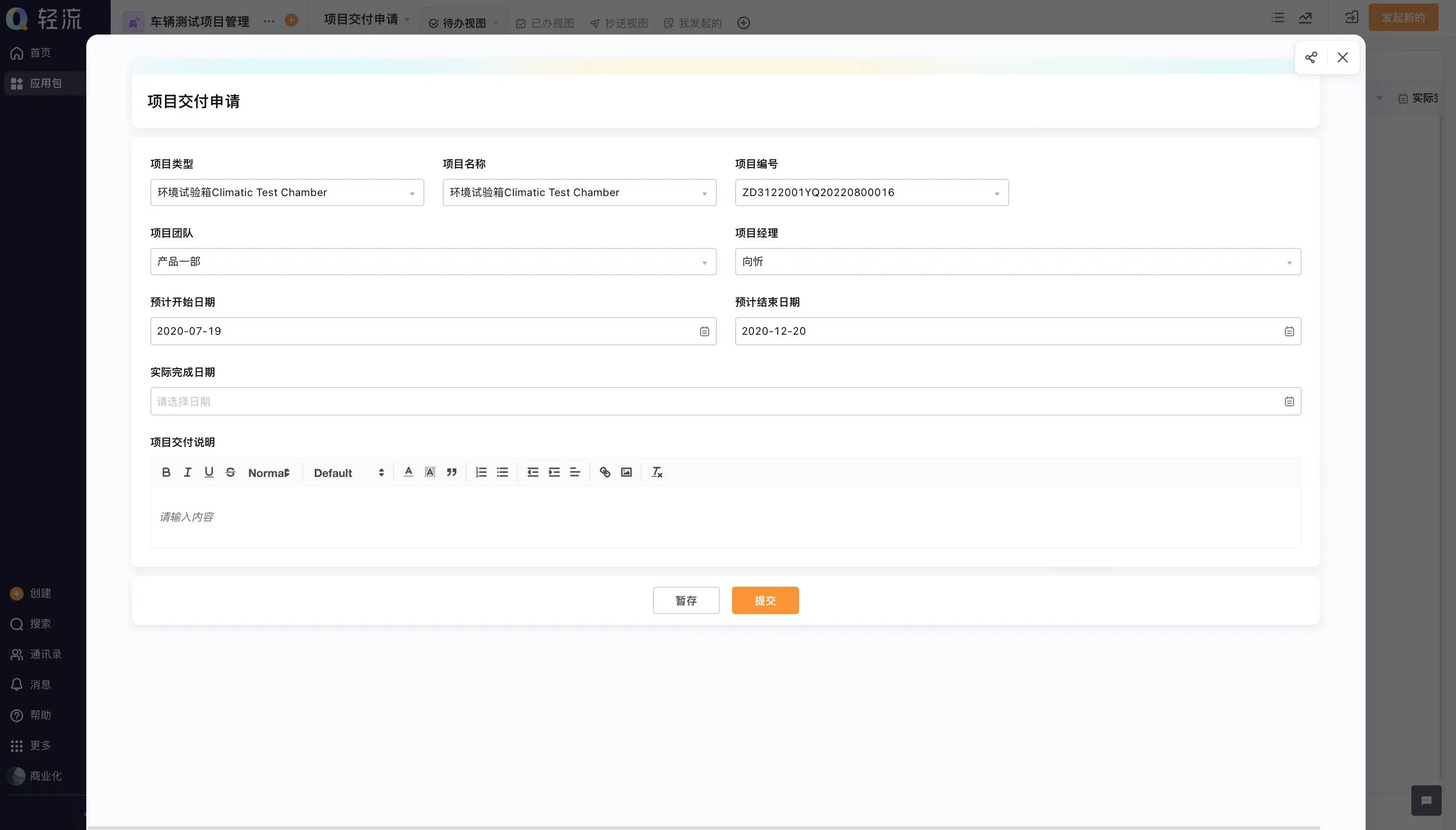
Implement a workflow ERP process in manageable steps
- Choose one recurring process with a visible owner and a manageable scope.
- Map the current steps, systems, handoffs, delays, and exception types.
- Agree on required data, authority, retention, access, and the system of record.
- Configure the minimum workflow needed to capture, route, decide, and close the work.
- Test with realistic scenarios, including incomplete requests and rejected or changed decisions.
- Train each role and define who monitors, supports, and updates the process.
- Review records after launch and adjust only through an owned change process.
Qingflow is an AI-powered no-code platform for building business applications and automating workflows. It can be configured with forms, data, role-based access, approval routes, reports, and workflow actions for selected business processes. Teams should confirm the scope of any integration with their ERP, procurement, or finance systems. Qingflow should be described as a platform for workflow coordination, not as proof that every accounting or purchasing control is included by default.
Conclusion
Workflow ERP is useful when a business needs consistent handoffs, clear approvals, and a record of how work reached completion. Begin with one process, write down authority and exception rules, and keep system boundaries explicit. Automate predictable coordination while leaving accountable decisions with the right people. Regular process ownership keeps the workflow useful as teams and policies change.
To explore a configurable way to organize requests, approvals, and operational records, visit Qingflow. Define the workflow and connected systems first, then confirm that the chosen configuration supports your policies, permissions, and exception handling.
Frequently Asked Questions
Q1: What does ERP workflow automation software do?
A: ERP workflow automation software coordinates repeatable work around business records. Depending on the product and configuration, it may collect structured requests, route approvals, assign tasks, send reminders, and record status changes. It can make ownership and process history easier to follow, but it still depends on clear rules, accurate data, and appropriate human review for exceptions and accountable decisions.
Q2: How should an ERP purchase order approval workflow handle exceptions?
A: It should make exceptions visible, assign them to a responsible role, and preserve the link to the original request and order. Missing information can return to the requester; partial receipt or a mismatch can go to a buyer or finance reviewer under the company’s policy. Do not close an exception merely because a task was reassigned. Record the resolution and the person who completed the required check.
Q3: Can no-code ERP approval workflows replace a purchasing system?
A: Not necessarily. A no-code workflow can support request intake, routing, and selected coordination steps, but a purchasing system may own supplier records, purchase orders, commitments, or financial transactions. Define which application is authoritative for each record and how approved information moves between them. Confirm the integration and controls before treating a workflow as a replacement for a specialist system.
常见问题
本文由轻流知识中心编辑整理
轻流(Qingflow)是一体化 AI 无代码平台,持续围绕生产管理、进销存、设备巡检、 CRM、OA 等企业数字化场景输出实操内容,帮助团队更快完成系统选型、 流程优化与落地搭建。