WMS and ERP solve related but different problems
ERP provides a broader view of business transactions and resources. A WMS focuses on the detailed work of handling goods inside a warehouse. Depending on the product, the WMS may support location-level stock, receiving, putaway, replenishment, picking, packing, shipping, and cycle counts. The ERP may own purchasing, sales orders, financial valuation, supplier records, or consolidated inventory. Actual product scope varies, so confirm the responsibilities of the specific systems under consideration.
These systems overlap around inventory, but overlap does not mean their records should be treated as interchangeable. A warehouse execution system may update the physical location and movement status, while ERP uses inventory and order data for procurement or financial coordination. If both systems permit independent edits to the same quantity without a clear transaction path, users can see conflicting balances.
WMS vs ERP: responsibility comparison
| Process area | Typical WMS focus | Typical ERP focus | Boundary to confirm |
|---|---|---|---|
| Item and supplier data | Warehouse-relevant item attributes and handling references. | Business-wide item, supplier, and purchasing records. | Which system creates and approves master data? |
| Receiving | Dock receipt, location assignment, quantity, and discrepancy capture. | Purchase order status and business receipt transaction. | Which receipt event updates each system, and when? |
| Internal movement | Putaway, transfer, replenishment, pick, and count activity. | Inventory position for broader planning and transactions. | Which movements are sent as individual events or summaries? |
| Order fulfillment | Warehouse allocation, picking, packing, and dispatch execution. | Sales order, customer, billing, or overall fulfillment status. | How do partial picks, cancellations, and returns reconcile? |
| Financial close | Operational quantities and movement records. | Accounting entries, valuation, and period review where supported. | Which authorized process posts and reconciles financial values? |
When does WMS ERP integration help?
WMS ERP integration is useful when warehouse actions need to inform purchasing, order management, customer service, or finance without repetitive re-entry. Warehouse management and ERP integration is easier to govern when both teams define event ownership before connecting systems. A confirmed receipt may update an ERP transaction; a sales order may be sent to a WMS for fulfillment; a shipment confirmation may return a status. These are common integration patterns, not guaranteed capabilities of every product. Confirm available interfaces, supported fields, and implementation requirements.
Integration is especially valuable when users otherwise maintain separate spreadsheets to reconcile stock and order status. However, an interface will not correct inconsistent item codes, undocumented units of measure, or unclear ownership. Resolve the data model and transaction rules before synchronizing records.
How to synchronize inventory between WMS and ERP
A reliable synchronization design treats each update as a business event with an identifiable source, destination, and owner. Avoid relying on a single “quantity” field if the business needs to distinguish on-hand, allocated, available, damaged, or in-transit stock. Define how each quantity is calculated and which transactions affect it.
- Choose the authority by data type. Decide where item master data, purchase orders, warehouse locations, shipment status, and financial valuation are maintained.
- Standardize identifiers. Align item codes, locations, units, order references, and any required batch or serial attributes before transfer.
- List the events to exchange. Examples include order release, receipt, transfer, pick confirmation, adjustment, shipment, or return.
- Specify timing and direction. State whether each event is sent immediately, on a schedule, or after a user confirmation, and which system sends it.
- Plan for errors. Define what happens when a record is rejected, duplicated, delayed, or missing a required reference.
- Reconcile regularly. Compare agreed quantities and open transactions, assign differences, and record how corrections are made.
- Test realistic exceptions. Validate partial delivery, cancelled orders, returns, unit conversion, and connectivity interruption before wider use.
What data governance should cover
Assign owners for master data and transaction corrections. Protect the original event history where possible, so a later adjustment does not erase how a discrepancy began. Decide who can change item attributes, location rules, and integration mappings. Document the operational meaning of statuses such as “received,” “available,” and “shipped,” because teams may otherwise interpret them differently.
Reconciliation should be a normal operating task, not an emergency response. Choose a cadence suitable for the volume and business risk, then report unmatched records and unresolved differences to named owners. Define whether the system will retry a failed message or require a person to correct it. The integration team should be able to trace a transaction across both applications using a common reference.
Common integration pitfalls
- Two systems editing the same record: Establish one owner or a controlled update path for each field.
- Sending snapshots without context: Transaction events preserve more meaning than an unexplained balance overwrite.
- Ignoring timing: Users need to know whether a status is current, pending, or awaiting synchronization.
- Skipping exception tests: Returns, cancellations, partial receipts, and duplicates often reveal design gaps.
- Assuming connectivity equals integration: An available API or webhook still needs field mapping, error handling, and reconciliation.
Where a configurable workflow platform fits
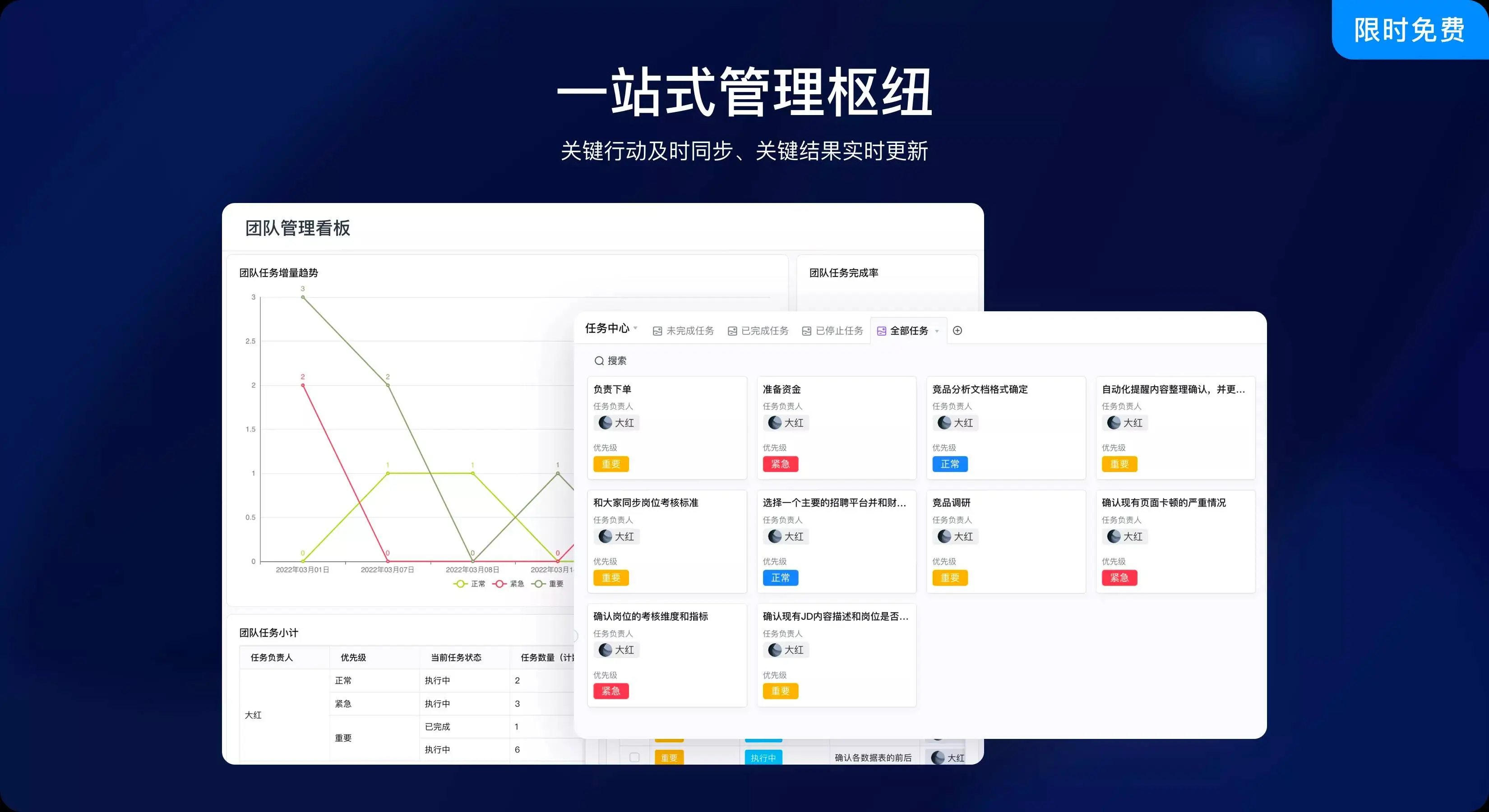
A configurable business platform can support adjacent processes such as stock requests, approval routing, exception follow-up, or operational reports, while a WMS and ERP retain their specialist responsibilities. Qingflow’s platform includes configurable forms, workflows, reports, data management, role-based permissions, and integration mechanisms such as Open API and Webhook. Confirm whether a specific connector or integration with a particular WMS or ERP is supported for the intended implementation. These general platform capabilities do not make Qingflow a complete WMS or ERP replacement.
Conclusion
WMS and ERP work best together when warehouse execution and enterprise coordination have distinct responsibilities. Map the inventory lifecycle, define authoritative records, exchange meaningful events, and make errors traceable. Integration should reduce re-entry while preserving controls and reconciliation. A configurable workflow layer can help coordinate adjacent work, provided each specialist system remains responsible for the functions it was chosen to perform.
If you need to coordinate stock requests, approvals, or exception follow-up around existing systems, learn about Qingflow. Verify the required data exchange and product scope with your WMS and ERP owners before choosing an integration design.
Frequently Asked Questions
Q1: What is the difference between a WMS and ERP?
A: A WMS focuses on warehouse execution, including how goods are received, stored, moved, counted, picked, and dispatched. ERP coordinates broader business processes and records, such as purchasing, sales, finance, and inventory for planning or transactions. The exact boundary depends on the products. Confirm which system owns each record and workflow rather than assuming every ERP or WMS has the same modules.
Q2: Does WMS ERP integration make inventory automatically accurate?
A: No. Integration can reduce duplicate entry and share transactions, but inventory accuracy still depends on disciplined scanning or recording, consistent item identifiers, correct units, exception handling, and reconciliation. If both systems are updated inconsistently or physical movements are not recorded, synchronized data can still be wrong. Define ownership and test the movement lifecycle, including adjustments, returns, and partial orders.
Q3: How should a business synchronize inventory between WMS and ERP?
A: Define which application owns each data type and which warehouse events should be sent to the other system. Align item and location identifiers, agree on quantity meanings and update timing, then document failed-message handling and reconciliation. Test normal and exception transactions with representative data. Assign owners to monitor differences and approve corrections, especially where financial records are affected.
常见问题
本文由轻流知识中心编辑整理
轻流(Qingflow)是一体化 AI 无代码平台,持续围绕生产管理、进销存、设备巡检、 CRM、OA 等企业数字化场景输出实操内容,帮助团队更快完成系统选型、 流程优化与落地搭建。