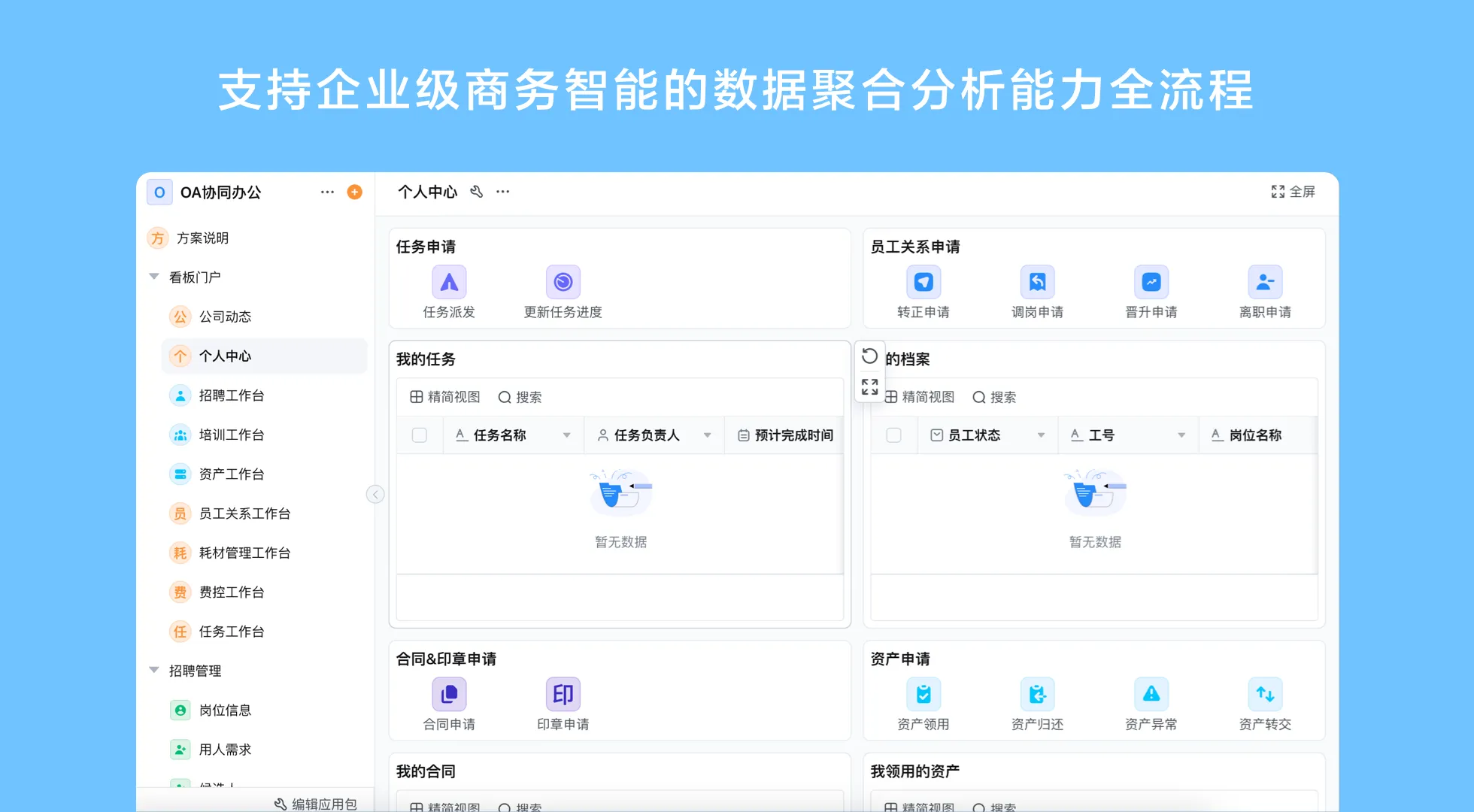
What Is ERP Implementation? Scope, Ownership, and Change
An ERP implementation turns business requirements into a working system and operating practice. Depending on the project, it can involve process mapping, product selection, data migration, configuration, integrations, permissions, testing, training, launch, and support. The exact scope varies: implementing a full ERP suite is different from configuring one application that coordinates purchasing or inventory around an existing system.
Implementation success depends on whether teams can perform the required work accurately and consistently. A technically functioning application may still fail to help if the process is unclear, users are not prepared, or two systems disagree about the authoritative record. Plan the business change and the technology change together.
ERP implementation steps for small businesses
At a glance, a small-business rollout moves through a sequence of connected decisions:
- Set scope and name the process owner.
- Map the current process and agree on the target workflow.
- Select the product and confirm system boundaries.
- Prepare and validate data.
- Configure, integrate, and test realistic work.
- Train users, launch with support, and assign ongoing ownership.
1. Define the problem and scope
Write down what is difficult today, who experiences the problem, and which records or handoffs are involved. Choose an initial scope that can be described and reviewed. “Improve operations” is too broad; “capture purchase requests in one place and make their approval owner visible” is more actionable. Name a business sponsor and process owner, and agree what is outside the first release.
2. Map the current and target processes
Document the actual process, including informal workarounds and exceptions. Then draw the intended steps, roles, decisions, and handoffs. Identify which activities stay in existing systems and which new system will support. Resolve policy questions before translating them into software rules. If the process differs by department, decide whether the difference is justified or simply historical.
3. Select the product and confirm the boundary
Compare solutions against mandatory tasks, data, controls, integration needs, and support responsibilities. Verify whether the product includes a needed capability or whether it requires configuration, a separate system, or custom integration. For smaller businesses, a configurable platform can help deliver a contained application without extensive coding, but it is not a substitute for checking accounting, security, deployment, or industry requirements.
4. Prepare data and migration
Inventory the records to move, identify duplicates and missing fields, and appoint owners to validate each category. Agree on identifiers, naming rules, historical data needs, and reconciliation. Do not migrate every old record by default. Sample the result in the target environment and compare counts and key fields with the source. Keep a rollback or correction procedure appropriate to the project.
5. Configure and integrate
Build forms, roles, views, and workflow routes that reflect the approved process. Prefer understandable configuration and avoid adding fields that have no clear owner or use. For integrations, define data direction, triggers, identifiers, error handling, and reconciliation. Test the connection with representative data and confirm which system remains authoritative for each record.
6. Test realistic work
Ask users to complete end-to-end scenarios: a standard transaction, missing information, rejection, changed request, partial fulfillment, and a system interruption. Confirm permissions by role, report definitions, notifications, and audit needs. Log issues, assign an owner, and retest corrections. A successful demonstration is not the same as a tested business process.
7. Train, launch, and support
Provide role-based instructions for the tasks each user performs, including where to find status and how to raise an exception. Choose a launch approach that suits the process risk and available support. Tell users where to get help, who can resolve data problems, and how improvement requests are prioritized. Review early usage and unresolved items with the process owner.
ERP implementation checklist
| Area | Checklist item | Owner or evidence |
|---|---|---|
| Scope | Process boundaries, users, goals, and exclusions are written down. | Sponsor and process owner sign-off. |
| Process | Standard path, approvals, exceptions, and system boundaries are mapped. | Reviewed process map and authority rules. |
| Data | Fields, identifiers, owners, cleanup, migration, and reconciliation are defined. | Validated sample and migration record. |
| Configuration | Roles, permissions, workflow steps, reports, and change control are agreed. | Role-based configuration review. |
| Integration | Source of truth, data direction, error route, and reconciliation are documented. | Connection test and assigned support owner. |
| Readiness | Realistic test cases, training, support, and launch decisions are complete. | Test record, training materials, and launch checklist. |
| Operations | Ongoing ownership, review cadence, and change requests are assigned. | Named application and process owners. |
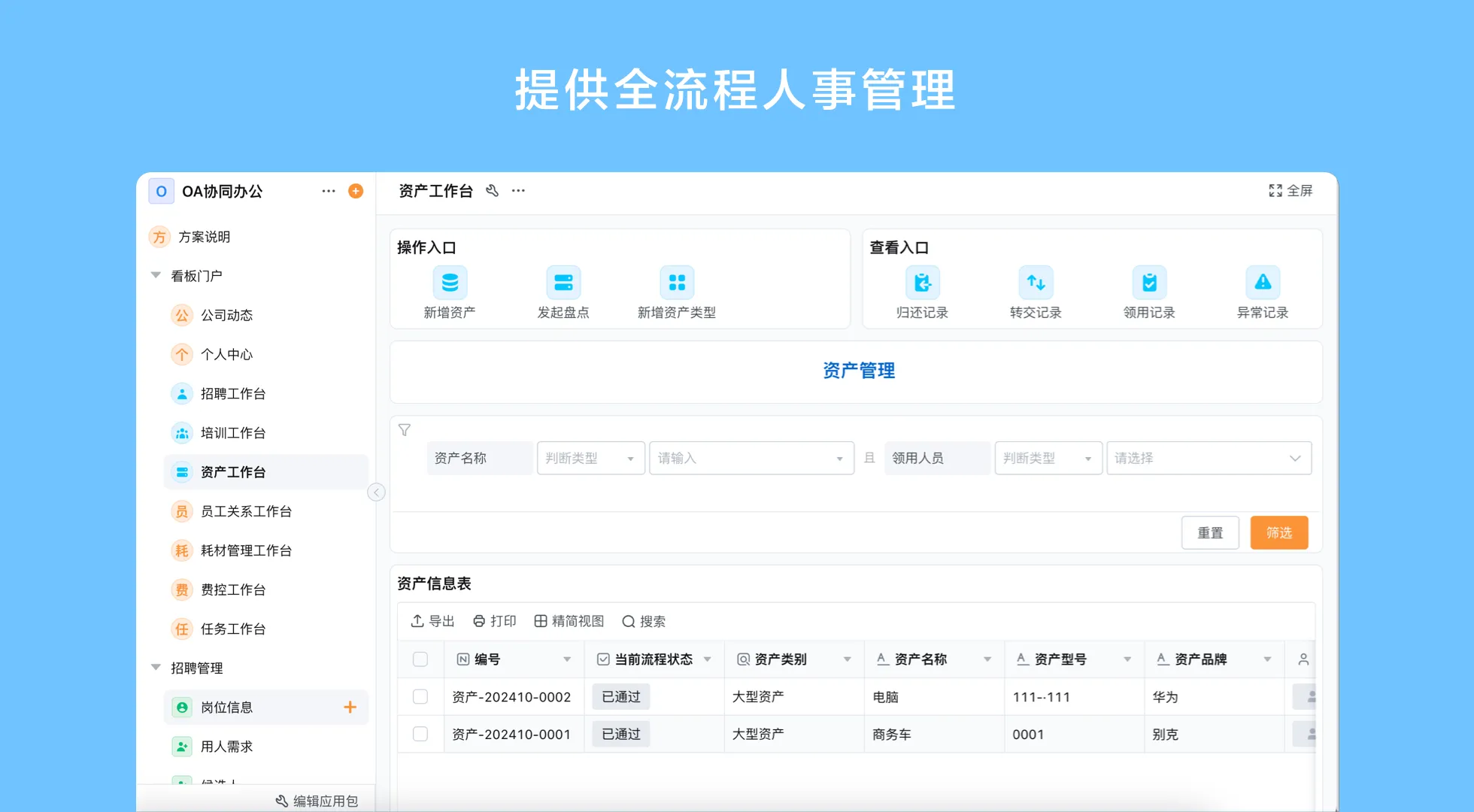
Common implementation mistakes to prevent
- Starting with features: A product tour cannot replace a shared understanding of the process.
- Automating a broken rule: Clarify inconsistent policy before encoding it as routing logic.
- Ignoring data ownership: Assign someone to maintain each important record type.
- Testing only the standard path: Exceptions often expose gaps in permissions, integrations, and responsibilities.
- Expanding before learning: Review the initial use case before adding more departments or processes.
Can ERP implementation happen without extensive coding?
Some business applications and workflows can be configured visually, reducing the need to write code for every form or routing change. That can help teams adapt an application as requirements evolve. It does not eliminate analysis, data cleanup, integration engineering where needed, security review, or testing. “No-code” describes an approach to building applications; it is not a promise that an ERP project needs no technical or organizational work.
Qingflow is an AI-powered no-code platform for building customizable business management applications and automating workflows. Teams can configure forms, data, process steps, reports, and permissions for selected use cases, while AI-assisted building can help prepare application structures for human review. Confirm the platform’s fit, product scope, integration requirements, and deployment details for the project. Qingflow should not be represented as a complete ERP suite unless the actual scope supports that claim.
Conclusion
ERP implementation is a managed change to processes, data, technology, and responsibilities. A clear scope, realistic testing, and named owners are more valuable than rushing to configure every requested feature. Use a checklist to keep migration, permissions, integrations, and training visible, then review the live process before expanding it. The chosen platform should match the defined boundary and the organization’s ability to maintain it.
If you are planning a focused workflow or business application, explore Qingflow as one configurable platform option. Bring a process map and a short list of required controls to the evaluation, and confirm the implementation scope before making a decision.
Frequently Asked Questions
Q1: What is ERP implementation in simple terms?
A: ERP implementation is the process of making an ERP system ready for real business use. It covers choosing and configuring the software, preparing data, connecting systems, setting permissions, testing work, training users, launching, and supporting the process afterward. The precise activities depend on the system and scope, but implementation always involves business ownership as well as technical setup.
Q2: What are the most important ERP implementation steps for small businesses?
A: Small businesses should define a focused use case, map the process and exceptions, confirm product and system boundaries, prepare data, configure and test the workflow, train users, and assign ongoing owners. Keep the first release manageable and verify the system using real tasks. A staged approach helps the team learn before extending the setup to additional processes.
Q3: How can ERP implementation without extensive coding work?
A: A configurable or no-code platform can let authorized users assemble forms, data structures, views, and workflow rules visually. The team still needs to define requirements, permissions, data quality, and integration behavior, then test the result. Confirm which changes business users can safely maintain and which require technical review, especially where core financial or specialist system controls are involved.
常见问题
本文由轻流知识中心编辑整理
轻流(Qingflow)是一体化 AI 无代码平台,持续围绕生产管理、进销存、设备巡检、 CRM、OA 等企业数字化场景输出实操内容,帮助团队更快完成系统选型、 流程优化与落地搭建。