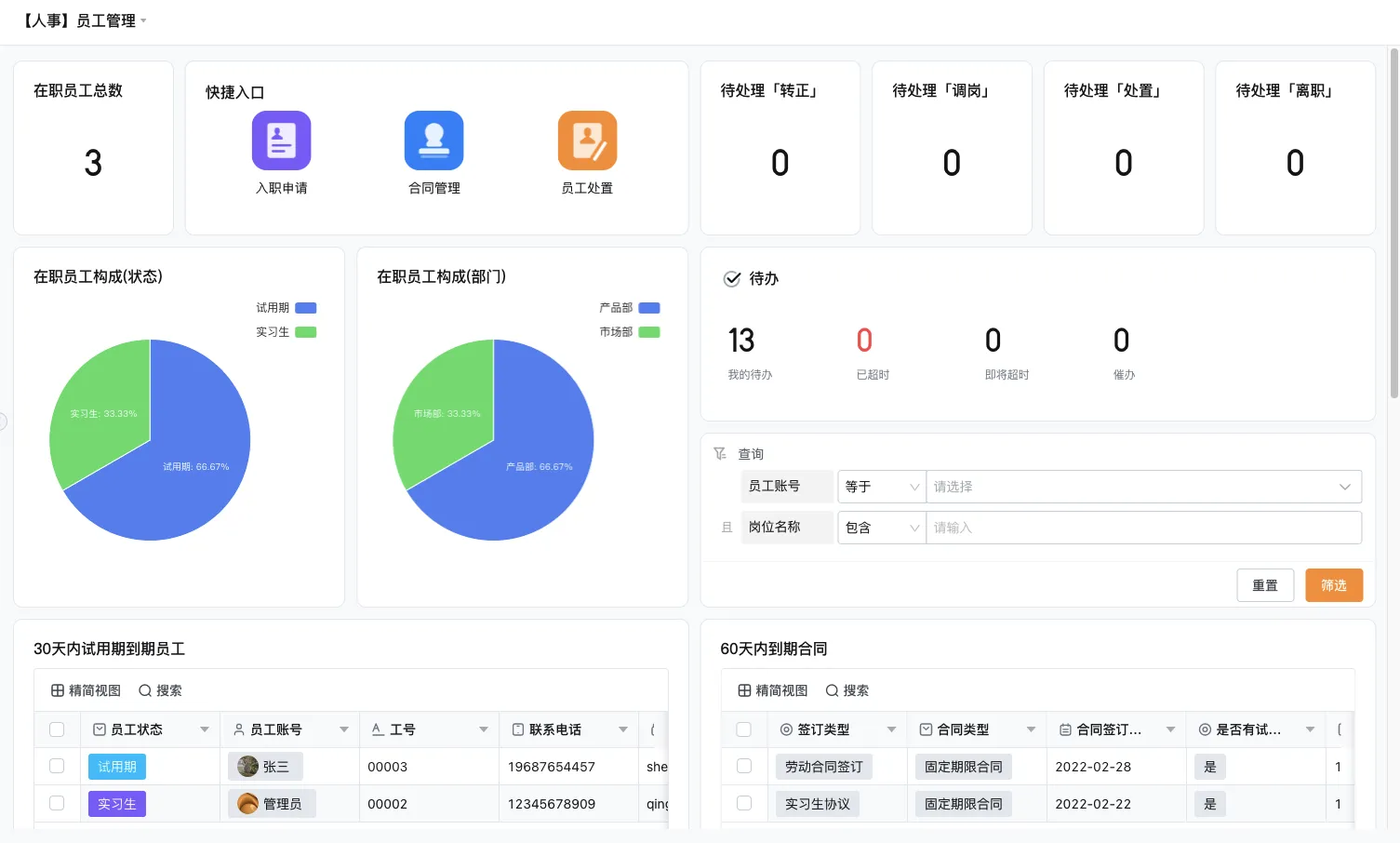
What an OMS system does across the order lifecycle
An OMS system helps teams track an order as it moves through business decisions and operational handoffs. It creates a shared view of the order, its lines, status, owner, and any action needed to move it forward. The precise scope differs by company. Some organizations use a dedicated order platform; others coordinate selected steps through existing ERP, CRM, commerce, inventory, or fulfillment systems.
For wholesale teams, the order may arrive through a sales representative, customer portal, email, or another channel. Before fulfillment, staff may need to verify customer details, pricing or terms, item availability, requested dates, and special instructions. Those checks should be defined by the business and its systems. The order workflow can record the result and route exceptions, but it should not be assumed to provide pricing, credit, tax, or inventory logic unless that capability is confirmed.
Map OMS order processing workflows
- Capture and validate the order.
- Check availability using the defined stock source.
- Route fulfillment and record its status.
- Assign exceptions and communicate the next step.
| Order stage | Questions to resolve | Useful workflow outcome |
|---|---|---|
| Capture | Which channel, customer, item lines, quantities, and requested dates are recorded? | A complete order record with a responsible owner |
| Validate | Which fields or business checks must be confirmed before release? | Approved, returned for correction, or placed on hold |
| Check availability | Which system is authoritative for available stock and when is it checked? | Availability result linked to the order lines |
| Fulfill | Who prepares, picks, packs, or ships the order? | Clear handoff and partial or complete status |
| Resolve exceptions | What happens with a shortage, substitution, change, or delay? | An assigned owner, decision, and customer communication task |
| Close | What confirms fulfillment and any remaining balance or follow-up? | A reconciled order status and traceable history |
This sequence should reflect the organization’s actual process. Define what each status means, who can change it, and what evidence is needed for a handoff. If “ready” means different things to sales and the warehouse, the OMS view may create more confusion than it removes.
Handle exceptions as part of the normal design
Order processes often need a route for work that does not follow the expected path. Examples include incomplete order details, a changed quantity, unavailable stock, a split shipment, a customer hold, or a fulfillment discrepancy. Design these paths before launch. A useful exception record states the issue, order line, current owner, decision needed, and next update due. Avoid burying a hold in a comment that only one employee can find.
- Incomplete order details
- Unavailable stock or a proposed substitution
- Partial shipment, hold, or changed quantity
- Fulfillment discrepancy or return
Shortages and partial fulfillment
Decide whether a shortage should block the whole order, allow available lines to proceed, or go to an authorized reviewer. If partial fulfillment is allowed, show which lines are moving and which remain open. Keep the customer-facing update aligned with the internal status, and record who approved a substitution or revised date under the organization’s rules.
Order changes and cancellations
Set a point after which a change requires a review because a downstream team may already be working on the order. Capture the requested change and its effect on fulfillment tasks. If an order is canceled, define who confirms that related work is stopped and how any inventory or financial records are updated in their authoritative systems.
Returns and disputes
Connect a return or dispute to the original order, item, reason, and responsible team. The workflow can route inspection or follow-up tasks, while specialist systems continue to own transactions such as inventory adjustment or accounting treatment where applicable. Confirm those boundaries before automating an update between tools.
Order management and inventory synchronization
Order management and inventory synchronization is a data ownership problem as well as a technical one. Identify the system that owns stock quantities, the event that changes availability, the expected timing of updates, and the route for correcting a mismatch. Decide what the OMS should do if a stock check is unavailable or stale. Do not let two systems independently write the same quantity without a defined reconciliation process.
During selection, ask the vendor to demonstrate the actual integration path and its limitations. Confirm which records are exchanged, how often, what happens when an update fails, and who receives an error. A connector name alone does not prove that a particular system, field, or deployment is supported. Test a normal order and an exception before relying on synchronization in production.
How an OMS differs from ERP and WMS
| System type | Main coordination focus | Questions for an order process |
|---|---|---|
| OMS | Order capture, status, validation, and fulfillment coordination | Can the order and exception states be followed across teams? |
| ERP | Broader business resources and transactions | Which commercial or financial records remain authoritative here? |
| WMS | Warehouse execution and stock movement | How does the order hand off to picking, packing, and dispatch? |
| CRM | Customer and sales relationship processes | Which account or opportunity details should inform the order? |
These boundaries vary among products. A platform may combine functions, or a company may use several tools connected by integrations. Draw the data and responsibility map before selecting an OMS so that the system does not duplicate a capability already managed elsewhere.
Configurable workflows for order coordination
Where the process includes department-specific requests, approvals, and follow-up, configurable forms and workflows may help connect work without replacing every specialist system. Teams still need to decide which application owns order facts and which steps can be automated safely. Qingflow is an AI-powered no-code platform for building customizable business management applications and automating workflows. Its forms, data, workflow routing, permissions, and reports can be evaluated for selected order coordination needs, subject to confirming integrations and product scope.
Conclusion
An OMS system is effective when it connects order capture to clear validation, inventory checks, fulfillment handoffs, and exception ownership. Define status meanings, establish a source of truth for each record, and test partial fulfillment, changes, and synchronization failures. Compare the OMS role with ERP, WMS, and CRM responsibilities so that the order process stays visible without duplicating specialized work.
Looking to clarify the approval and handoff steps around orders? Learn about Qingflow and evaluate whether configurable applications and workflow automation fit a defined part of your order operations.
Frequently Asked Questions
Q1: What is an OMS system?
A: An OMS system coordinates order information and the work required to move orders through validation, fulfillment, exceptions, and completion. It can give teams a shared status view, but the exact features vary. Before choosing one, map the channels, data sources, approval points, fulfillment handoffs, and systems that remain authoritative for pricing, stock, finance, or customer records.
Q2: What should an order management system for wholesale businesses support?
A: It should reflect how wholesale orders are received, checked, released, fulfilled, and updated. Relevant needs may include line-level statuses, requested dates, partial fulfillment, holds, changes, and links to customer and inventory information. The business should verify product scope for its own ordering channels and confirm how the system handles exceptions rather than assuming all wholesale workflows are standard.
Q3: How should OMS order processing workflows handle stock shortages?
A: Define whether a shortage stops the entire order, allows selected lines to proceed, or requires a decision from an authorized owner. Record the affected lines, proposed next step, decision, and any customer update. The OMS should use a clear stock source and communicate when availability is uncertain. Test this scenario with downstream warehouse and sales teams before rollout.
常见问题
本文由轻流知识中心编辑整理
轻流(Qingflow)是一体化 AI 无代码平台,持续围绕生产管理、进销存、设备巡检、 CRM、OA 等企业数字化场景输出实操内容,帮助团队更快完成系统选型、 流程优化与落地搭建。