
Key Takeaways
- Excel may be enough for simple lists with clear ownership and limited handoffs.
- A CRM system helps when users need linked records, shared follow-up, and process visibility.
- Clean and map spreadsheet data before migration; do not import every old column by default.
When can Excel work as a CRM?
A spreadsheet can support contact tracking when the data model is straightforward, a small number of people update it, and the team has a clear routine. It is familiar and flexible for sorting, filtering, and simple summaries. If the list stays accurate and follow-up is not being missed, moving to a dedicated CRM may not be urgent.
Conditions that favor a spreadsheet
Excel may be sufficient for a short-term campaign list, a personal prospect tracker, or a small set of relationships managed by one owner. The team should know who can edit the file, how updates are recorded, and which version is current. Agree on column meanings and avoid storing unrelated process details in the same row.
Signs that the spreadsheet is straining
Look for duplicate contacts, conflicting versions, missing follow-up dates, unclear ownership, and repeated copying of the same customer details. Another signal is that reports depend on manual cleanup each time. These issues do not prove that a CRM is required, but they indicate a process problem worth assessing.
How does an Excel CRM compare with CRM software?
Excel vs CRM software for small businesses is a comparison between a flexible grid and an application designed to manage linked customer records and repeatable relationship work. A spreadsheet can be easier to adapt for a one-off task. A CRM can make shared activity, ownership, and next steps more visible when several people work with the same accounts.
| Work need | Excel or spreadsheet | CRM software |
|---|---|---|
| Simple contact list | Quick to create and familiar to many users. | Can organize contacts with related organizations and activities. |
| Shared updates | Depends on file access, editing habits, and version control. | Can provide a shared interface with record ownership and permissions. |
| Follow-up tasks | Can be noted in columns, but users must manage reminders separately. | May connect tasks and reminders to contact or opportunity records. |
| Pipeline visibility | Can show stages in rows, often with manual maintenance. | Can provide views and workflows around defined stages. |
| Change and reporting | Flexible for custom analysis; formulas and layouts need care. | Can standardize reports, but depends on clean fields and configuration. |
| Administration | Low initial setup; file practices need an owner. | Requires setup, training, and ongoing data governance. |
Neither tool fixes unclear process definitions. A CRM full of inconsistent records can be less helpful than a well-maintained spreadsheet. Compare the real effort of keeping each option accurate, including training, access, data cleanup, and reporting work.
What are useful Excel CRM template alternatives?
Excel CRM template alternatives include a dedicated CRM application, a shared database-style workspace, or a configurable business application. The appropriate alternative depends on whether the team primarily needs customer follow-up, a sales pipeline, or connections to other internal processes. Evaluate with a representative task rather than a generic feature checklist.
A dedicated CRM is often the clearest option when sales processes are standard and the team needs established customer and opportunity management. A configurable platform may be relevant when customer data must connect to unique internal forms or approvals. A shared list can remain practical when the team only needs a simple, controlled contact register.
How do you migrate customer data from Excel to CRM?
To migrate customer data from Excel to CRM, prepare the source carefully and decide how each spreadsheet column maps to a target field. Migration is a chance to remove duplicates and outdated information, not a requirement to carry every historical column forward. Keep an untouched copy of the source file for reference during the transition.
- Inventory files, owners, tabs, columns, and duplicate lists.
- Agree on which records are active, valuable, and permitted for transfer.
- Standardize names, dates, phone formats, categories, and owner values.
- Map columns to people, organizations, activities, or opportunities as appropriate.
- Import a small sample and check relationships, duplicates, and special characters.
- Reconcile the final import, confirm user access, and set a cutover date.
Assign responsibility for the data after migration. Decide who can create or merge records and how new information should be captured. If users continue to maintain the original spreadsheet indefinitely, the organization may create two competing sources of truth. Retain an archive for appropriate reference, but communicate where current updates belong.
How should you decide whether to move?
Consider moving when coordination gaps have become recurring and a system could address them. Examples include several salespeople contacting the same account without knowing it, managers unable to see open next steps, or repeated reporting work caused by inconsistent formats. Estimate the time and change effort involved in both keeping Excel and adopting a CRM.
Stay with Excel when the customer list is limited, ownership is clear, collaboration is simple, and the spreadsheet supports the decisions the team needs. Revisit the choice when roles, volume, or handoffs change. A transition should be triggered by a defined need rather than by a general belief that every business must adopt a CRM immediately.
How can configurable customer workflows fit?
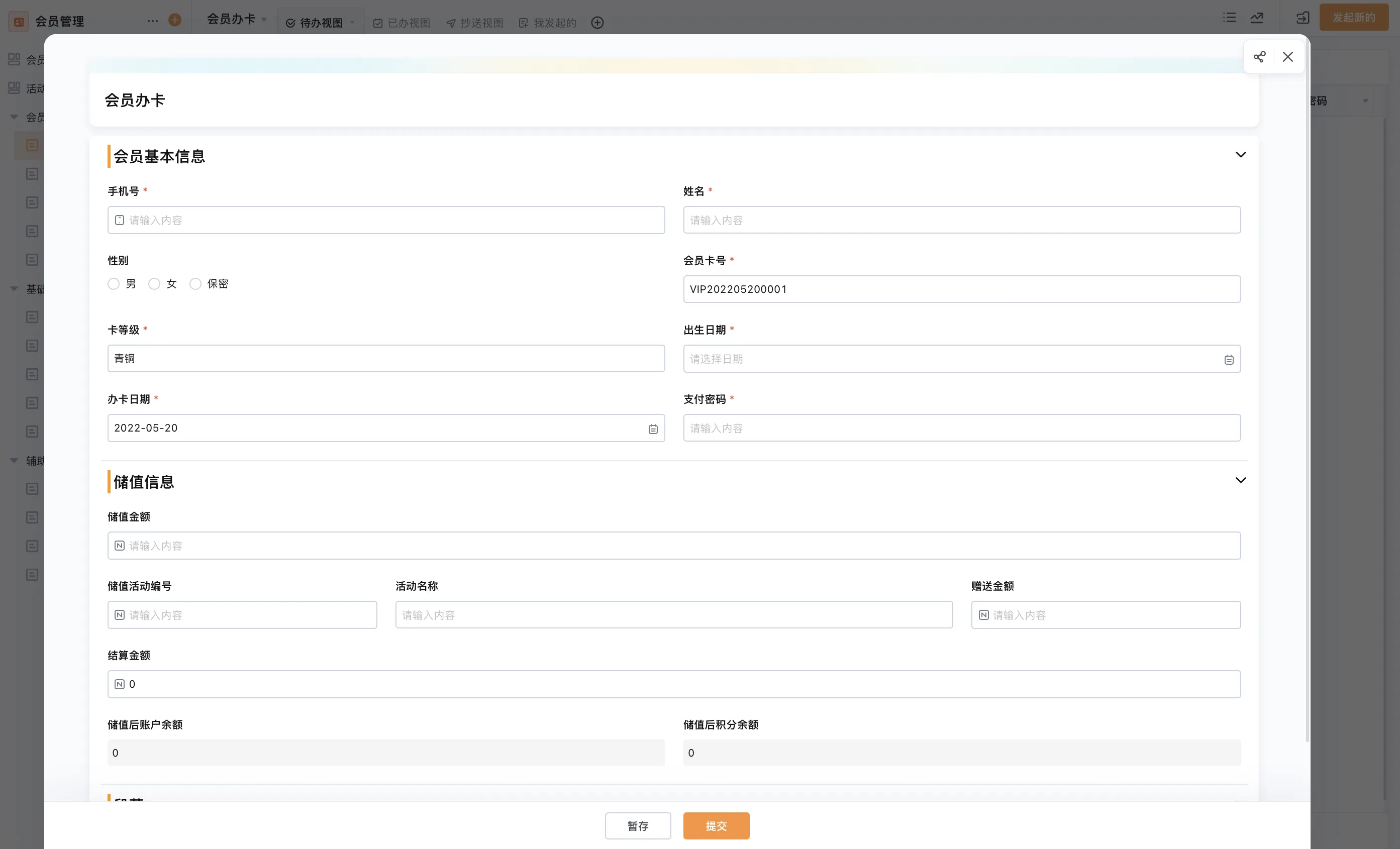
Some teams need customer tracking to connect with service requests, internal approvals, or operational records. Qingflow is an AI-powered no-code platform for building customizable business applications and automating workflows. It may be considered for selected processes that need this flexibility, but the team should verify the required CRM scope and connections before choosing it.
If your spreadsheet has become part of a wider process, explore Qingflow as a configurable application and workflow platform. First map which customer records and handoffs need to be shared, then evaluate whether a configured solution fits the work.
Conclusion
Excel can remain a sensible customer tracker when the list and workflow are small and controlled. CRM software becomes more valuable as teams need shared ownership, linked activity, dependable follow-up, and clearer reporting. Make the decision from observed coordination needs, and prepare the data and user routine before migrating.
Frequently Asked Questions
Q1: Is Excel a CRM?
A: Excel can be used to track customer details and activity in a basic way, so some teams call their spreadsheet an Excel CRM. It does not automatically provide the linked records, task handling, permissions, or process controls associated with a dedicated CRM system. Whether it is enough depends on the team's collaboration and follow-up needs.
Q2: When should a small business replace an Excel CRM template?
A: Consider a change when the template no longer supports reliable shared updates, ownership, follow-up, or reporting. Look for repeated errors or manual work that affects decisions. Before replacing it, identify the specific problems, compare the effort of improving the spreadsheet with adopting software, and involve the people who will maintain customer records.
Q3: Can Excel and CRM software be used together?
A: They can serve different purposes during a planned transition or for separate analysis tasks. However, decide which system owns current customer records to avoid conflicting updates. If data is exchanged, define how often it moves, which fields are included, and who resolves discrepancies. Do not assume an integration exists without confirming it.
常见问题
本文由轻流知识中心编辑整理
轻流(Qingflow)是一体化 AI 无代码平台,持续围绕生产管理、进销存、设备巡检、 CRM、OA 等企业数字化场景输出实操内容,帮助团队更快完成系统选型、 流程优化与落地搭建。