Key Takeaways
- Separate core records such as people, organizations, opportunities, and activities.
- Assign data ownership and access based on actual business roles.
- Connect lifecycle processes through visible handoffs, agreed definitions, and review practices.
What makes up a CRM system?
A CRM system brings together several parts that need to work as one operating model. Customer records provide the shared context. Roles determine who can view or update it. Workflow rules guide follow-up and handoffs. Reports help teams inspect progress, while integrations may connect the CRM with other tools when the data exchange is planned and supported.
Core records and their relationships
A typical model distinguishes an individual person from the organization they represent. An opportunity represents a possible commercial outcome, while activities record calls, meetings, messages, and tasks. These entities should link to each other, so a team can see the history around an account instead of searching through unrelated lists.
Not every business needs the same structure. A company selling to organizations may need account hierarchies and several contacts per opportunity. A service-led business may care more about customer requests and renewals. Define record types in terms of decisions and work. Add a field only when someone will maintain it and another person will use it.
How does a CRM system support the customer lifecycle?
A CRM system for customer lifecycle management connects activities from early interest through purchase, service, renewal, or another next relationship step. The system should show where a customer stands and who is responsible for the next action. Each handoff needs a trigger, a receiving role, and enough context to continue the work.
Map lifecycle events before designing screens
Describe the events that change a record's status: a lead is qualified, an opportunity is opened, a proposal is sent, or a customer needs a service response. These are illustrative events, not a universal sequence. Some companies may not need a lead stage at all. The useful model mirrors the actual buying and delivery process.
Keep the next action visible
Records become stale when the system stores history but does not make upcoming work clear. Each active opportunity should have an owner and a meaningful next step. For customer lifecycle tasks, define how open issues, renewals, or account changes pass to the people who can act on them. A handoff should not depend on someone remembering an informal message.
How should data and roles be designed?
Data quality is a system responsibility shared by process owners and users. Define required fields, allowed values, duplicate handling, and record ownership in plain language. Then decide who can create, edit, merge, or view different information. These decisions affect trust and access, so they should be reviewed with the teams involved.
| System component | Design question | Operational purpose |
|---|---|---|
| Customer and account records | What identifies a person or organization uniquely? | Provides a dependable relationship history. |
| Opportunity records | Which fields support qualification and decisions? | Shows potential work and its current state. |
| Activities and tasks | How are follow-ups owned and completed? | Turns context into planned action. |
| Roles and permissions | Who needs to see or change each record? | Aligns access with responsibilities. |
| Reports and views | Which decisions should the information support? | Surfaces progress, gaps, and exceptions. |
Use data definitions that users can apply consistently. For example, specify what qualifies an opportunity for a particular stage and who confirms that condition. If the same label means different things to different teams, reports may appear precise while describing different work. Review definitions when the sales model changes.
What is a practical implementation model?
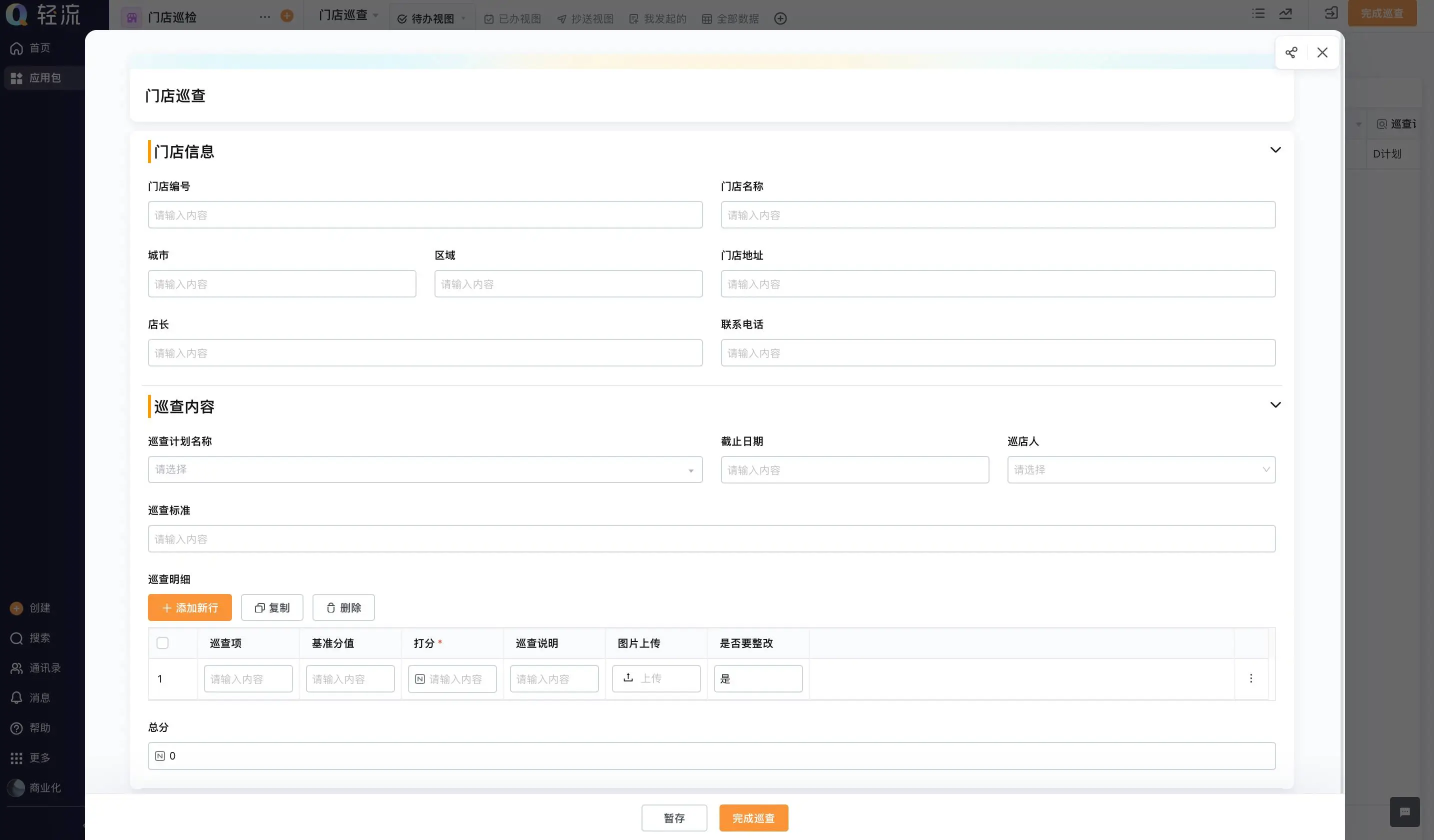
A custom CRM system without coding can be assembled through visual configuration on some platforms, while other implementations rely on vendor settings, development, or a combination. Regardless of the build approach, treat implementation as process design and data governance. The user interface is only one part of an operating system that people must trust.
- Map the current customer journey and list the handoffs that often lose context.
- Agree on the record types, terms, ownership rules, and stage definitions.
- Choose a small launch scope with a clear business owner and user group.
- Clean and map source data before import; test relationships and duplicate rules.
- Validate everyday tasks, permissions, exceptions, and reports with representative users.
- Review usage and data quality, then expand only after the first workflow is stable.
Plan for exceptions during design. A prospect may pause, return later, or move to another owner. The system should preserve useful history and let authorized users correct a record without erasing accountability. Exception handling is often simpler to agree on before launch than to repair through disconnected notes later.
How do workflows, integrations, and reporting fit?
Workflow rules can assign tasks, send reminders, route approvals, or update records when defined conditions are met. Make each rule understandable to both the administrator and the user. Avoid overlapping triggers that create duplicate tasks. Before automating a handoff, confirm that teams agree on when it should happen and what information the receiving role requires.
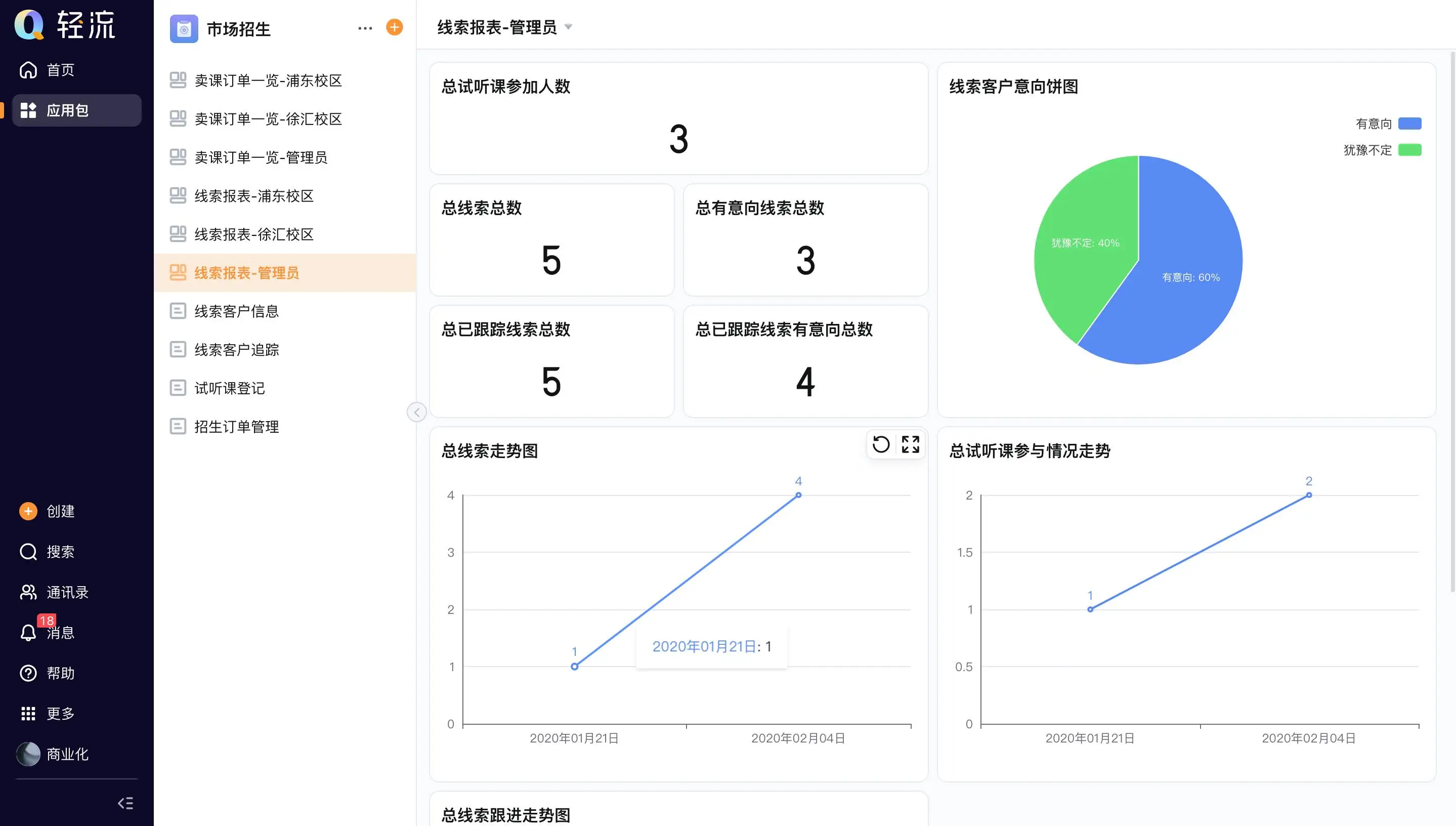
Integrations need a named source of truth for shared fields. Decide which system owns contact details, product data, or transaction status, and define what happens when values conflict. Reports should answer questions such as which opportunities need attention or where handoffs are delayed. They should not be treated as proof of performance unless inputs are reliable.
Where does configurable CRM fit?
Organizations with changing internal processes may want CRM information to connect to approvals, service requests, or other business applications. An AI-powered no-code platform can help teams configure forms, data, roles, reports, and workflow steps around selected use cases. The setup still requires validation, governance, and confirmation that specialist requirements are met.
If your CRM work needs to connect with wider business processes, Qingflow provides a no-code platform for building customizable business applications and automating workflows. Review the intended records, handoffs, and integrations with your team before choosing a platform.
Conclusion
A dependable CRM system joins clear customer records with ownership, workflow, access, and reporting rules. Map the lifecycle first, define how information connects, and launch with a manageable scope. Those choices make later configuration easier to evaluate and help teams use the system as part of daily work.
Frequently Asked Questions
Q1: What is the difference between a CRM database and a CRM system?
A: A CRM database stores customer-related records. A CRM system also includes the people, permissions, workflows, reporting, and operating rules that make those records useful. A database can contain accurate information yet still fail to support work if nobody owns follow-up or users cannot see the information needed for a handoff.
Q2: Which records should a CRM system connect?
A: Start with the records needed to understand a relationship and act on it. Many teams connect organizations, contacts, opportunities, activities, and tasks. Some also link service requests, contracts, or orders. Select entities according to the customer journey and decisions the system must support, then keep the model as simple as practical.
Q3: Can a custom CRM system be built without coding?
A: Some no-code platforms let teams configure data forms, views, roles, and workflows visually. Whether that approach is suitable depends on the process, integration needs, governance, and technical constraints. No-code can reduce dependence on custom programming for selected changes, but it does not remove the need to validate requirements and maintain the system.
常见问题
本文由轻流知识中心编辑整理
轻流(Qingflow)是一体化 AI 无代码平台,持续围绕生产管理、进销存、设备巡检、 CRM、OA 等企业数字化场景输出实操内容,帮助团队更快完成系统选型、 流程优化与落地搭建。