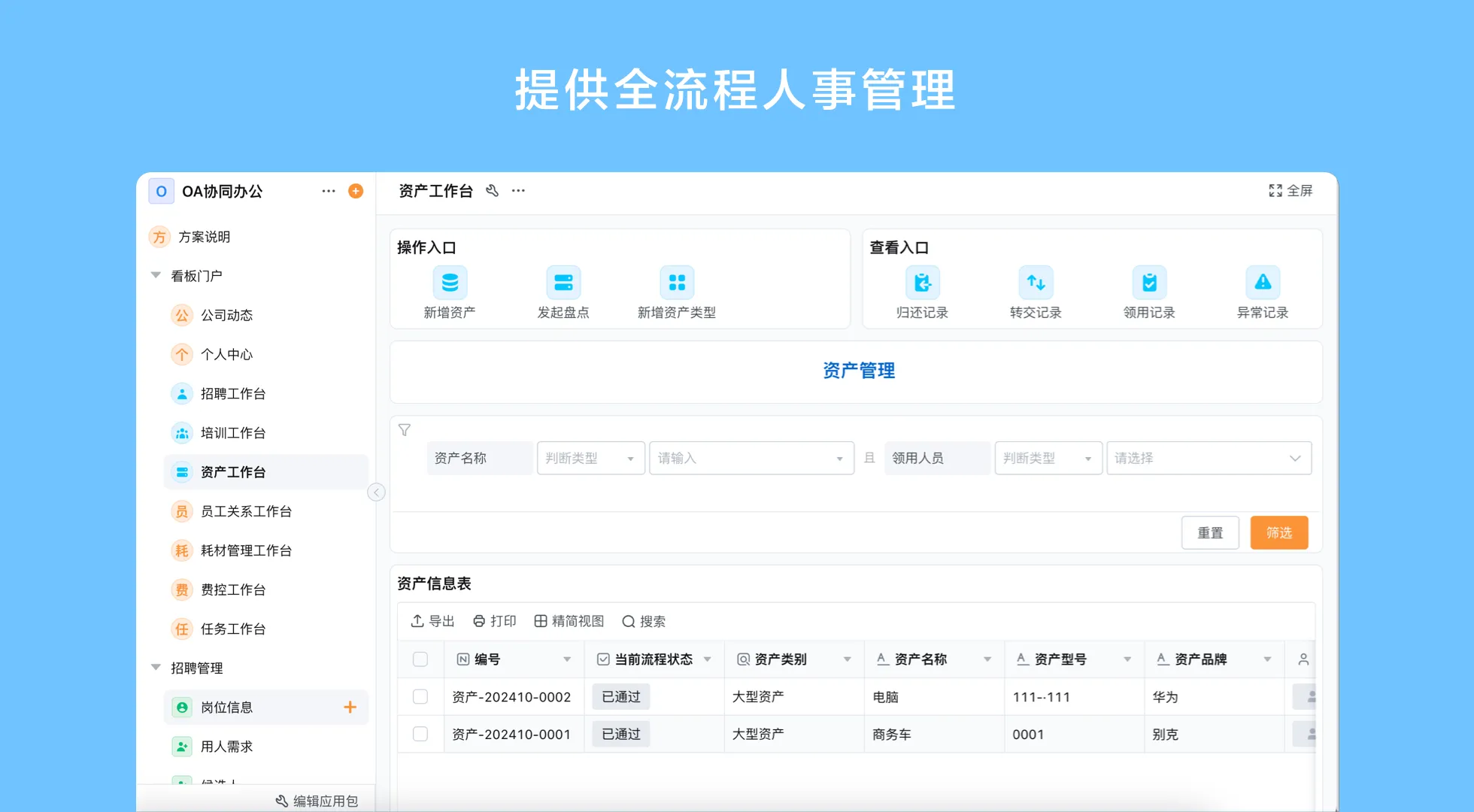
Define what “business management system” means for your company
The phrase business management system can describe a broad suite, a configurable platform, or a collection of specialist applications connected by integrations. Before comparing vendors, choose a specific business outcome to investigate: for example, a sales handoff to operations, a purchasing approval, an inventory request, or a service case. Write down the people, records, decisions, and exceptions involved. This keeps software selection anchored in a process instead of a vague request to “digitize the business.”
List the system that currently owns each important record. Customer details may live in a CRM, purchase transactions in an ERP, warehouse movements in a WMS, and employee records in an HR tool. A business management application might coordinate a handoff among them, but should not silently become a second source of truth. Identify which data is read, updated, or merely referenced, and decide how conflicts are resolved.
Compare platform types by the work they own
| Option | Often suited to | Questions to resolve |
|---|---|---|
| ERP suite | Broader business transactions and resource coordination | Does it cover the required specialized workflows and data controls? |
| CRM | Customer, sales, and relationship processes | Which operational steps need to continue beyond the sales pipeline? |
| Point system | A focused function with specialist requirements | How will its records connect with the surrounding process? |
| Configurable platform | Custom applications and workflows that span teams or change often | Who will design, govern, and maintain each application? |
| Connected stack | Organizations combining core suites with specialist tools | Which system owns each record, and how are failed updates handled? |
Categories overlap, and products vary. Compare the actual features in the intended product and deployment, then test the boundary with a realistic process. Do not infer that an all-in-one label includes every accounting, manufacturing, warehouse, or customer function.
Use scenario fit to narrow the options
Use this qualitative scenario-fit matrix as a discussion aid, not as a vendor evaluation or ranking.
| Scenario | ERP or CRM first | Specialist point tool | Configurable platform |
|---|---|---|---|
| Core finance or accounting transactions | Assess the relevant ERP or finance scope | May suit a specific accounting need | Usually coordinate related approvals, not replace the core ledger by assumption |
| Customer pipeline and sales ownership | Assess CRM capability and data model | May fit a defined sales function | Can be assessed for tailored sales workflows and cross-team handoffs |
| Warehouse execution with specialist controls | Check the ERP warehouse scope | Assess a WMS against operational requirements | May support selected requests or exception workflows around the WMS |
| Changing internal approval process | Check configuration options in the core suite | May be too narrow if several departments are involved | Can be assessed where visual process changes and role-based workflows matter |
Use the matrix to form questions, not final rankings. A specialist system may be necessary when a workflow requires deep domain controls. A configurable tool may be a better fit when an internal process is distinct and likely to change. The deciding factor is whether the team can operate and govern the chosen scope reliably.
Selection criteria for customizable business management software
- Process fit and clear ownership
- Defined data and role permissions
- Verified integrations and failure handling
- Maintainable support and operating cost
Process fit and change ownership
Ask whether owners can model forms, statuses, responsibilities, and decision routes for the scenario. Identify who may change the configuration and how users learn about changes. Customizable business management software is not automatically maintainable; one-off rules can become difficult to understand.
Data model and permissions
Define key records, relationships, required fields, and access by role. Decide which information should not be copied into the application. Test whether a user can see only the information needed for their work and whether administrators can audit the configured process as required by internal policy. Confirm exact controls with the provider instead of relying on general security language.
Integration and operational resilience
For each integration, specify the direction of data flow, update trigger, failure notification, and correction owner. Test what happens when an external service is unavailable or returns incomplete information. Confirm that the connection method supports the named systems, fields, and deployment. A general statement that a product has APIs or webhooks does not establish that a specific integration is turnkey.
Adoption and ongoing cost
Evaluate the work required to configure, train, support, and govern the system. Consider how many users need access, which teams will own updates, and what specialist expertise is necessary. Ask the provider for current pricing and scope rather than relying on assumptions. Include the cost of maintaining integrations and data quality, not only initial setup.
When a no-code business management platform is appropriate
A no-code business management platform may fit when teams need to build or adjust internal applications through visual configuration and connect workflows across departments. Forms, workflow routing, role-specific views, reports, data management, and configured automations can support selected processes. The platform still depends on process design, access decisions, data ownership, and testing. It should not be described as a universal replacement for ERP, CRM, or specialist software.
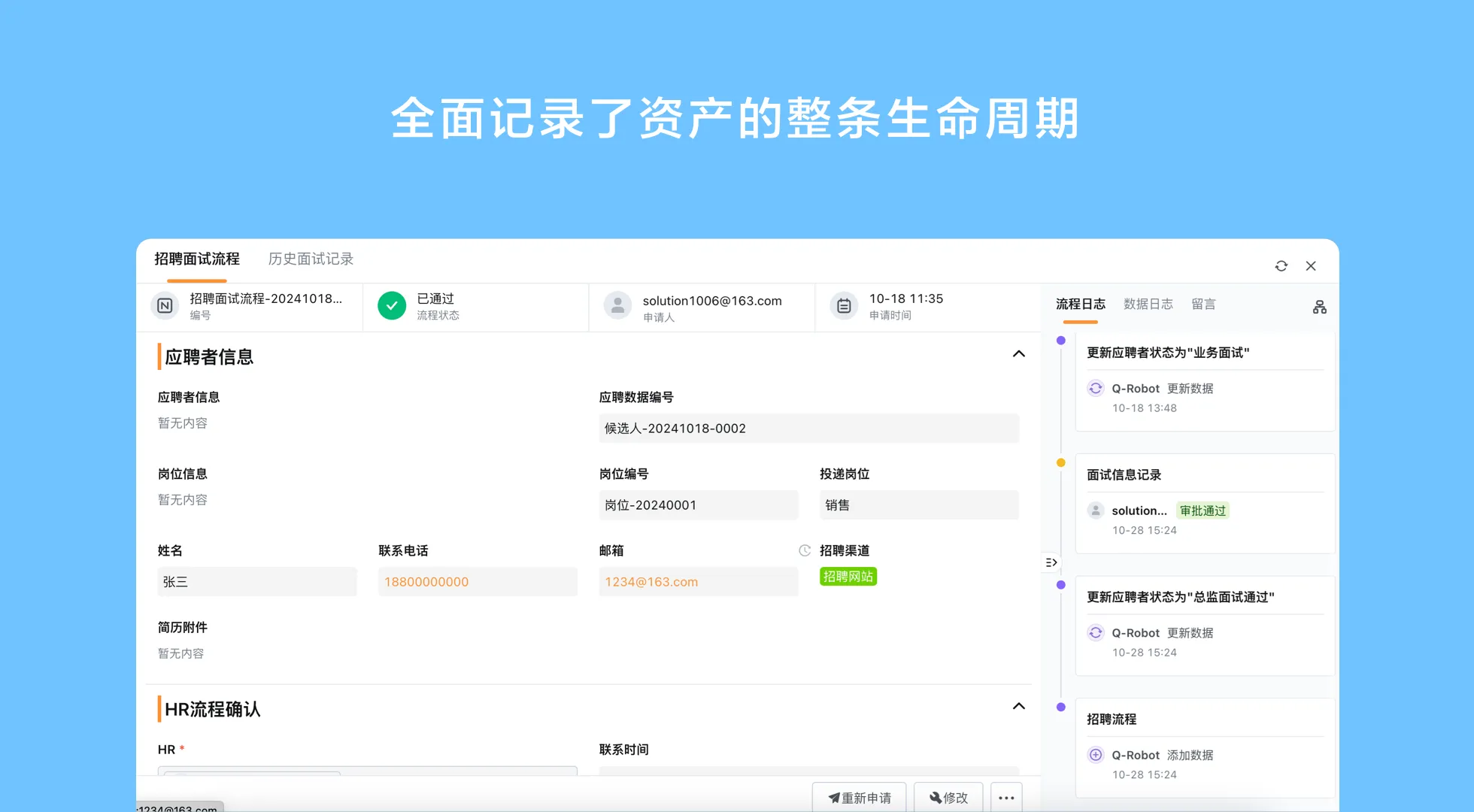
Qingflow is an AI-powered no-code platform for building customizable business management applications and automating workflows. Its forms, workflow engine, reports, role-based permissions, and data management can be evaluated for a defined business use case. AI-assisted building or analysis can support parts of the work, but teams remain responsible for validating requirements, process logic, and information quality. Explore Qingflow and assess the platform against the systems and governance you already use.
Planning integrated sales operations and finance workflows
Integrated sales operations and finance workflows show why scope matters. An opportunity may start in CRM, order details move to ERP or an order system, and finance records remain in a finance application. Map each handoff trigger, authoritative field, and mismatch owner. A configurable application may coordinate an approval or status update, but should not be assumed to perform accounting controls unless verified.
- Map the current sequence from customer request through the relevant sales and operational decisions.
- Mark the authoritative system for customer, order, pricing, and finance records.
- Identify exceptions, including incomplete data, changed terms, and failed updates.
- Choose one contained handoff to test and define who owns it after launch.
Conclusion
The right business management system is the one whose scope matches a defined process and can be governed after implementation. Compare ERP, CRM, point systems, and configurable platforms by who owns records, how workflows change, and what happens when integrations fail. Start with one useful scenario, confirm functional boundaries, and expand only when the operating model is clear.
If your processes change across teams, explore a configurable approach and assess its fit with the systems you already rely on. Visit Qingflow to learn about building business applications and automating defined workflows.
Frequently Asked Questions
Q1: What is a business management system?
A: A business management system is software that helps organize business records, processes, and decisions. It may be a broad suite, a configurable platform, a specialist application, or several connected tools. The term does not guarantee a specific feature set. Buyers should define the process to support, identify systems of record, and verify the exact capabilities available in the product and deployment.
Q2: How do I choose customizable business management software?
A: Choose a concrete workflow, map its users and data, then compare options by process fit, permissions, integration, maintainability, and support needs. Ask who can change the configuration and how those changes are governed. Test the normal route and common exceptions with actual users. Confirm pricing, deployment, and product scope directly with vendors before making a purchasing decision.
Q3: When does a no-code business management platform make sense?
A: It may make sense when an organization needs configurable internal applications or workflows that do not fit a fixed process, especially when several teams share handoffs. It still requires a clear owner, sensible data definitions, permissions, and ongoing maintenance. For deep specialist functions, such as accounting or warehouse execution, compare it with dedicated software and confirm the boundary before relying on it.
常见问题
本文由轻流知识中心编辑整理
轻流(Qingflow)是一体化 AI 无代码平台,持续围绕生产管理、进销存、设备巡检、 CRM、OA 等企业数字化场景输出实操内容,帮助团队更快完成系统选型、 流程优化与落地搭建。